user-notifier
PAM hooks that tell you when someone logs in or escalates privileges. A small dispatcher then fans each event out to drop-in hooks. Slack is the first hook.
session optional means a notify failure never blocks login or sudo.
Notify is synchronous: a slow webhook can delay the session, but it
cannot fail it.
How it fits together
- PAM runs
/usr/sbin/connection(login,sshd) or/usr/sbin/escalation(su,sudo). - Those wrappers classify the event and call
/usr/sbin/user-notify. user-notifyexportsNOTIFY_*and runs every executable in/etc/user-notifier/hooks.d/.50-slackis installed by default. Add another script to also mail, syslog, or call something else.
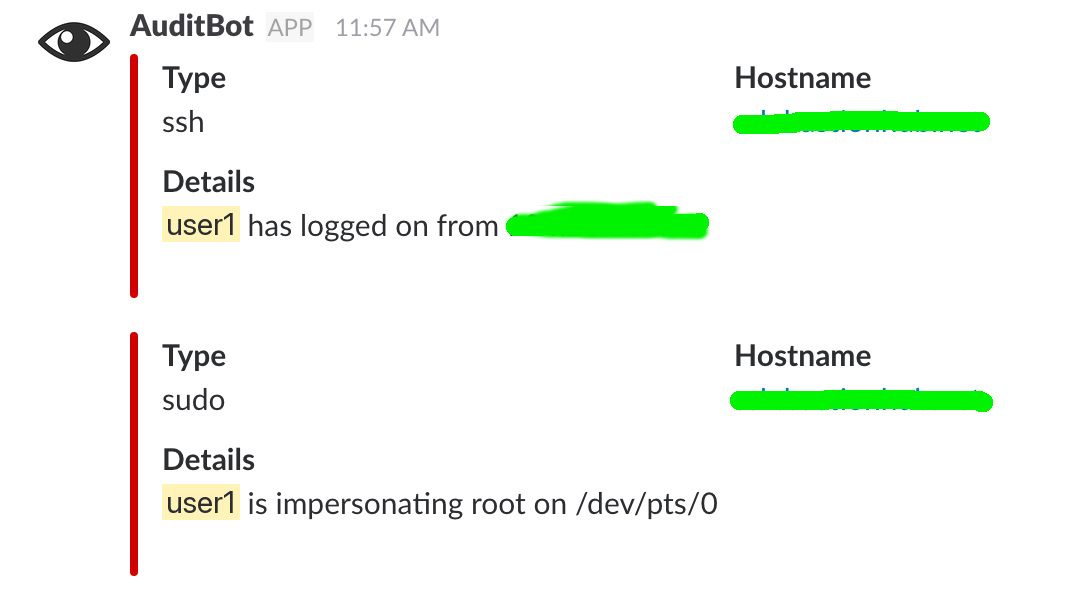
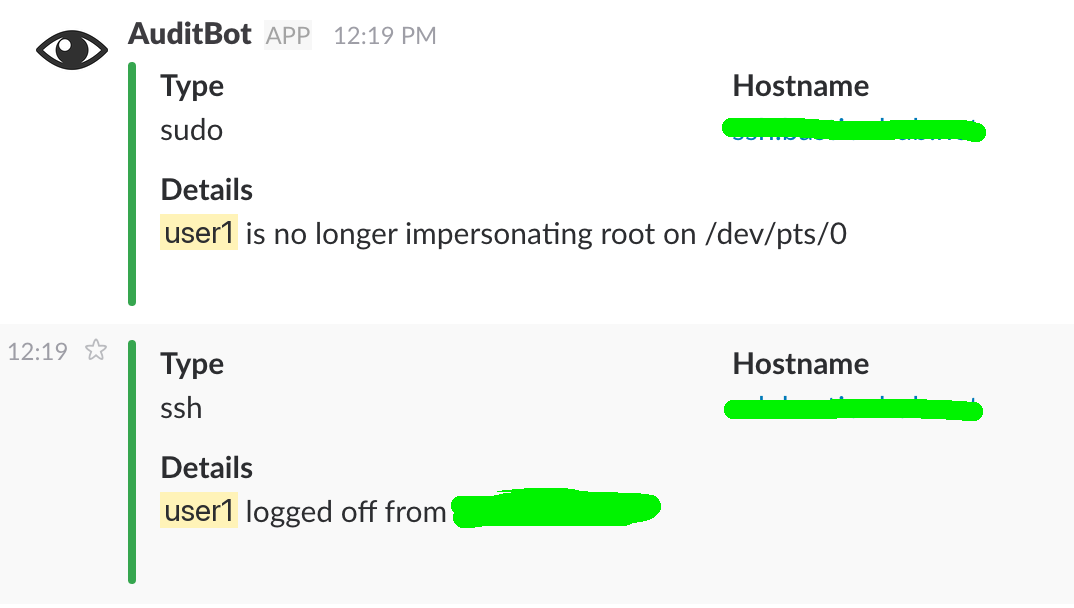
Open sessions are red in Slack; close sessions are green.
Next steps
- Getting started — install, PAM lines, Slack
- Usage — dispatch, dry-run, and environment overrides
- Reference — hook contract, config, and paths
- Examples — syslog, mail, filters, and extra webhooks